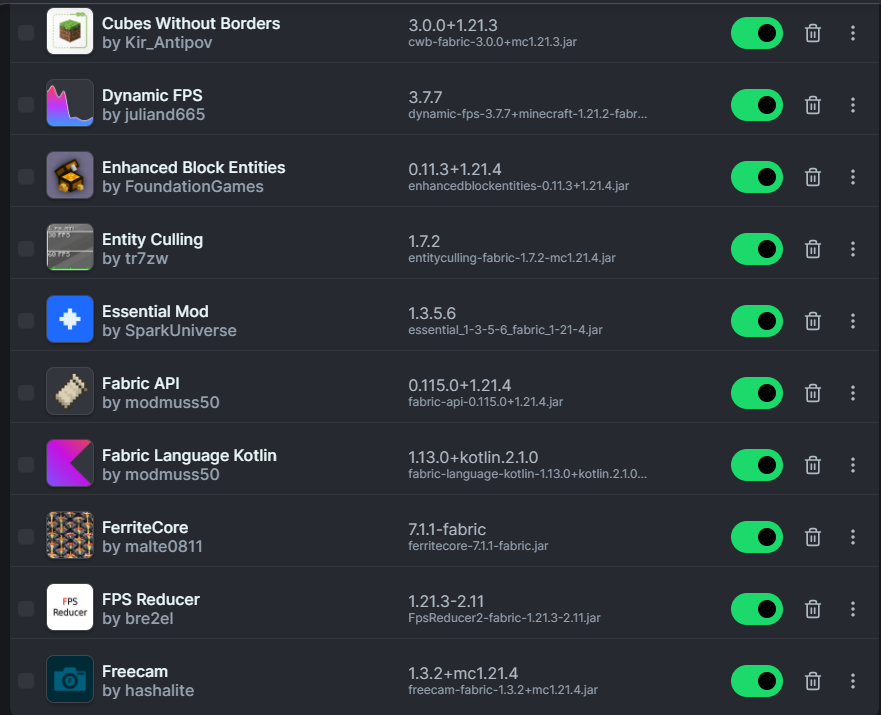
Minecraft 1.20.1 remains a common target for established Fabric modpacks. If one of those mods is written in Kotlin, Fabric Language Kotlin may be required before the pack can start.
Prepare the 1.20.1 profile
Create or select a Fabric Loader profile that explicitly targets Minecraft 1.20.1. Verify that your launcher is opening that profile and not a nearby 1.20.2 or 1.20.4 installation.
Use one mods folder per instance whenever your launcher supports it. Shared folders make version mismatches much harder to diagnose.
Add Fabric Language Kotlin as a dependency
Place the compatible compiled JAR in the instance mods folder alongside the mod that requires it. The library should not be extracted into folders.
A dependency declaration controls which versions are acceptable. When a loader message provides a required range, follow that range instead of guessing based on filename date.
Resolve version conflicts
If a pack contains two copies of Fabric Language Kotlin, remove the duplicate and keep the version that satisfies all dependent mods. Duplicate libraries can generate confusing loader messages.
For older curated packs, update dependent mods together instead of updating only the Kotlin runtime layer.
Keep the pack reproducible
Record the Minecraft version, Fabric Loader version, Fabric API version, Fabric Language Kotlin version, and key gameplay mod versions. A short version list makes future troubleshooting much faster.